Mini Militia WiFi Multiplayer: How to Play With Friends Offline
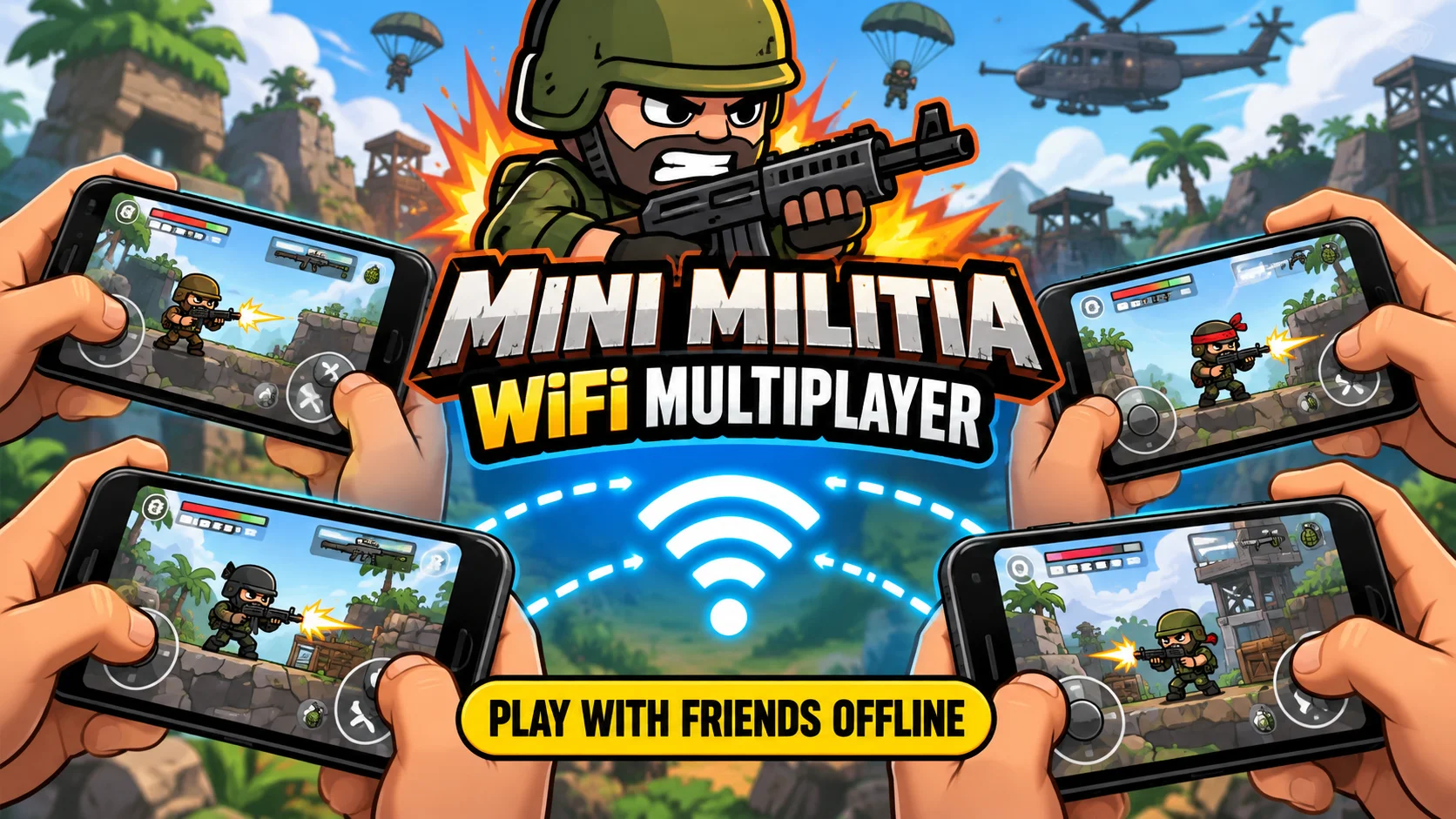
Quick answer: Mini Militia WiFi multiplayer lets you play Doodle Army 2 with friends on one local network, with no internet needed. Turn on a mobile hotspot on one phone (or connect everyone to the same router). The host taps Multiplayer > Local > Create. Everyone else taps Multiplayer > Local > Join and picks the host’s game. Local matches support up to 12 players. Every phone must run the same game version.
- 12Max players on local WiFi
- 6Max players online
- 0 MBInternet data used
- 100M+Downloads on Google Play
What’s in this guide
If you grew up playing Mini Militia in a college hostel, a school bus, or a cousin’s wedding, you already know the fun part isn’t the graphics. It’s six friends yelling in one room while someone camps with a sniper on High Tower.
That whole experience runs on the game’s local multiplayer mode. This guide explains how it works, how to set it up on Android and iPhone, why games sometimes refuse to show up, and how to keep matches smooth with 8 to 12 players.
Key takeaways
- Local WiFi play needs no internet. Phones only need to share one network.
- A mobile hotspot works for small groups. A router is better for 8 or more players.
- Same game version on every phone is the number one rule. Most “game not showing” problems come from this.
- Turn off VPNs and mobile data on joining phones, and avoid guest networks that block device to device traffic.
- Local matches usually feel faster than online ones because the data travels a few meters, not across the country.
What is Mini Militia WiFi multiplayer?
Mini Militia (full name Doodle Army 2: Mini Militia) is a 2D side scrolling shooter made by Appsomniacs LLC and published by Miniclip. It launched on iOS in April 2011 and came to Android in March 2015. Since then it has passed 100 million downloads on Google Play, with a huge player base in India and Pakistan.
The game has two multiplayer types:
- Online multiplayer connects you to Miniclip’s servers over the internet. You play with strangers or friends anywhere.
- Local multiplayer (what most people call WiFi multiplayer, LAN mode, or hotspot mode) connects phones that sit on the same local network. One phone acts as the host, and the others join it directly.
Think of the host phone as a tiny game server in your pocket. The other phones talk to it over WiFi. Since nothing goes out to the internet, you can play in a place with zero signal, like a train, a village, or a basement.
How many players can join a Mini Militia WiFi game?
Local WiFi games support up to 12 players. Online games are capped at 6. That gap is the main reason big friend groups still prefer local play.
| Mode | Max players | Internet needed? | Best for |
|---|---|---|---|
| Local WiFi (router) | Up to 12 | No | Big groups at home, hostel, office |
| Local hotspot | Up to 12 (6 to 8 is smoother) | No | Travel, outdoors, small groups |
| Online | Up to 6 | Yes | Friends in different cities |
| Training / Survival | 1 to 2 | No | Practice and warm up |
Why does a hotspot feel weaker with 12? Most phone hotspots are built to share internet with a few devices, not to route game traffic for a dozen at once. Many Android phones also cap hotspot connections at 8 or 10 devices by default. A normal home router handles the load more easily.
What do you need before you start?
Run through this checklist before you gather everyone. It saves a lot of “bro, I can’t see it” moments.
- Two or more phones with Mini Militia installed (Android or iPhone).
- The same game version on every phone. Check it in the game’s settings or in your phone’s app info page.
- One shared network: a mobile hotspot from one phone, or a WiFi router everyone can join.
- Enough battery. Hosting a hotspot and a game at the same time drains a phone fast. Keep a charger or power bank near the host.
- Permissions allowed. On newer Android versions, allow “Nearby devices” or location access if the game asks. On iPhone, allow “Local Network” access.
Pro tip: Pick the phone with the best battery and newest chip as the host. The host does the most work, so an old budget phone as host can cause lag for everyone.
How to play Mini Militia on WiFi (step by step)
There are two ways to connect. Both use the same in-game steps. The only difference is how the phones get onto one network.
Option 1: Play using a mobile hotspot
This is the most common method, because you don’t need any extra device.
- Turn on the hotspot on the host phone. On Android, go to Settings > Network & internet > Hotspot & tethering. On iPhone, go to Settings > Personal Hotspot.
- Connect the other phones to that hotspot through their WiFi settings.
- Open Mini Militia on every phone and tap Multiplayer, then Local.
- The host taps Create. Choose the map, mode (Deathmatch or Team Deathmatch), time limit, and player count. Then open the lobby.
- Other players tap Join, wait a few seconds for the list to load, and tap the host’s game.
- The host starts the match once every name appears in the lobby.
Option 2: Play on the same WiFi router
- Connect every phone to the same WiFi network (same name, same router).
- Turn off mobile data on all phones so none of them switch networks mid game.
- Follow steps 3 to 6 from Option 1: Multiplayer > Local, host creates, others join.
Using a router means no single phone carries the network load. The host only runs the game, so battery lasts longer and 10 to 12 player matches stay stable.
Hotspot vs WiFi router: which is better for Mini Militia?
For 2 to 6 players, a hotspot is fine. For 8 to 12, use a router. Here’s the full comparison.
| Factor | Mobile hotspot | WiFi router |
|---|---|---|
| Setup | Very easy, no extra device | Needs a router nearby |
| Comfortable player count | 2 to 8 | Up to 12 |
| Range | Short, roughly one room | Whole house or floor |
| Host battery drain | High | Normal |
| Works outdoors | Yes | Rarely |
| Stability with many players | Can drop players | More stable |
Can Android and iPhone play Mini Militia together on WiFi?
Usually, yes. Mini Militia uses the same game code on both platforms, so an Android host can see iPhone players and the other way around. The catch is version numbers. The App Store and Google Play don’t always push updates on the same day. If one phone updated last night and the other didn’t, the game won’t appear.
If you’re on iOS, our Mini Militia for iOS guide explains how to check your version and install the game safely.
Can you play Mini Militia WiFi multiplayer on PC?
Mini Militia has no official Windows version. Players run the Android app through an emulator such as BlueStacks, LDPlayer, or MEmu. Local multiplayer can work if the PC and phones share the same network, but emulators sometimes use their own virtual network, which hides local games.
If that happens, switch the emulator’s network mode to “bridged” (where available) or host the game from the PC instead of joining. Full setup steps are in our Mini Militia for PC guide.
Why can’t I see my friend’s Mini Militia game? (Fixes)
This is the most searched problem around local play. In our experience, about 8 out of 10 cases come down to a version mismatch or a network setting. Work through the table from top to bottom.
| Problem | Likely cause | Fix |
|---|---|---|
| Game list is empty | Different game versions | Update or install the same build on every phone |
| Game list is empty | Phones on different networks | Check every phone shows the same WiFi name |
| Game shows, then vanishes | Phone switched to mobile data | Turn mobile data off on joining phones |
| Nobody can find the host | VPN or ad blocker running | Pause the VPN or private DNS app |
| Works at home, not in hostel or office | Router has client isolation | Use a phone hotspot instead |
| Café or hotel WiFi fails | Guest network blocks device to device traffic | Switch to a hotspot |
| Players drop mid match | Battery saver on the host | Turn off battery saver and keep the host charging |
| iPhone can’t see games | Local Network permission denied | Settings > Privacy > Local Network > allow Mini Militia |
Quick test: If nothing works, restart the host phone, turn its hotspot back on, and have only one friend join first. Once two phones connect, add the rest one by one. This tells you which phone has the problem.
How to reduce lag in Mini Militia local matches
Local games are fast by nature. On a good router, the delay between phones is often under 10 milliseconds. Online matches usually sit somewhere between 50 and 150 ms, depending on your connection. When a local match does lag, one of these is usually the reason:
- Distance. Keep all players within about 5 to 10 meters of the hotspot, with no thick walls in between.
- Too many players on a hotspot. Drop to 6 or 8, or move to a router.
- Background apps. Close YouTube, Instagram, and download managers on the host.
- Heat. A hot phone slows down its own processor. Take the case off the host during long sessions.
- Crowded channel. In apartments with many networks nearby, a router on the 5 GHz band often feels smoother than 2.4 GHz.
Best maps and modes for WiFi matches with friends
Not every map suits every group size. From a lot of hostel sessions, here’s what tends to work:
| Map | Best group size | Why it works |
|---|---|---|
| Outpost | 2 to 6 | Small and busy, so fights start fast |
| Catacombs | 4 to 8 | Tunnels reward close range weapons and ambushes |
| High Tower | 6 to 12 | Tall layout spreads players out, good for snipers |
| Snowblind | 6 to 12 | Open spaces suit team play and jetpack fights |
Deathmatch is best for groups of 2 to 5 where everyone plays for themselves. Team Deathmatch gets better with 6 or more, because the teams feel balanced and coordinated pushes start to matter. For a full list of weapons and what each one is good at, see our Mini Militia weapons guide.
Tips from real LAN sessions
These are small habits that make local nights run better. None of them are in the game’s tutorial.
Set house rules before the first match
Agree on things like “no spawn camping” or “sniper only on High Tower.” It sounds silly, but it keeps the room friendly, especially with mixed skill levels.
Rotate the host
Hosting drains battery fast. Switch the host every 30 to 40 minutes so no single phone dies halfway through the night.
Use short time limits
Five minute rounds keep energy high and give weaker players more chances to come back. Ten minute rounds can feel long with 12 people.
Warm up in Survival mode
If someone new joins, give them 5 minutes in Training or Survival first. They’ll learn the dual stick controls and jetpack timing without getting frustrated in the real match.
Learn the melee and zoom
New players often forget that melee is instant at close range and that zoom (with the right gun) changes how far you can see. Both matter more on small local maps. Our Mini Militia tips and tricks page covers more.
Official app vs mod APK for WiFi play
Many players look for a mod APK because it unlocks the Pro Pack features, unlimited ammo, or unlimited nitro in local games. Here’s the honest picture so you can decide for yourself.
| Point | Official app | Mod APK |
|---|---|---|
| Source | Google Play, App Store | Third party websites |
| Joining friends | Easy if all updated | Everyone needs the same mod build |
| Online play | Fully supported | Risk of bans or blocks |
| Extra features | Pro Pack via in-app purchase | Unlocked features, often more in local mode |
| Security | Checked by store review | Depends on the source you trust |
Safety note: Only install APK files from a source you trust, keep Google Play Protect turned on, and never give an APK permissions it doesn’t need (like SMS or contacts). For online matches, the official app is the safer choice. If your group wants to try mods in local games, make sure everyone installs the exact same file.
You can read about features and version history on our Mini Militia Mod APK homepage, and older builds are listed on the Mini Militia old versions page, which is handy when your group needs to match a specific version.
Frequently asked questions
Can I play Mini Militia on WiFi without internet?
Yes. Local WiFi multiplayer only needs the phones to share one network, such as a mobile hotspot or home router. No internet data is used during the match.
How many players can play Mini Militia on WiFi?
Up to 12 players in local matches. Online matches allow 6. A phone hotspot usually handles 6 to 8 smoothly, so use a router for full 12 player games.
Why is my friend’s Mini Militia game not showing?
Usually it’s different game versions, phones on different networks, mobile data or a VPN still on, or a router with client isolation. Match versions and join the same network first.
Can Android and iPhone play Mini Militia together on WiFi?
Usually yes, as long as both phones run the same game version and sit on the same network. Version mismatch is the main reason cross device games fail.
Does Mini Militia hotspot play use mobile data?
No. The match runs over the local link between phones. You can switch mobile data off on the host and the game keeps working.
Can a mod APK player join an official Mini Militia WiFi game?
Only if both apps report the same version number. If they differ, the game won’t appear in the join list. The simplest fix is for everyone to install the same build.
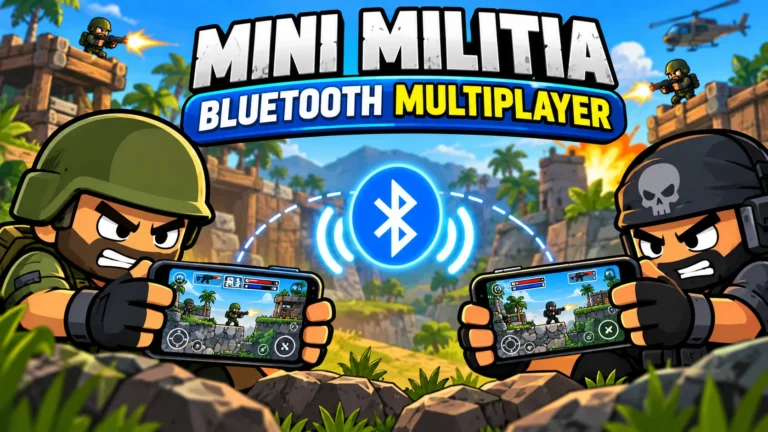
Can I play Mini Militia over Bluetooth?
Current versions focus on WiFi and hotspot for local play. A hotspot gives better range and speed than Bluetooth, so it’s the method to use today.
Conclusion: get your squad on one network and play
Mini Militia WiFi multiplayer is still one of the easiest ways to turn a boring evening into a loud one. One phone hosts, everyone else joins, and you can fit up to 12 players in a match without spending a single MB of data.
Remember the three rules: same version on every phone, same network for everyone, and a router once the group grows past 8. Get those right and local matches run smoother than most online games.