Mini Militia Local Multiplayer: How to Play With Friends Without Internet
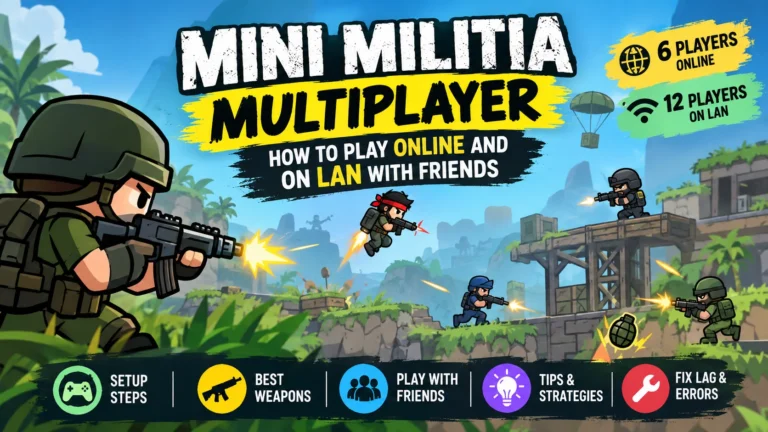
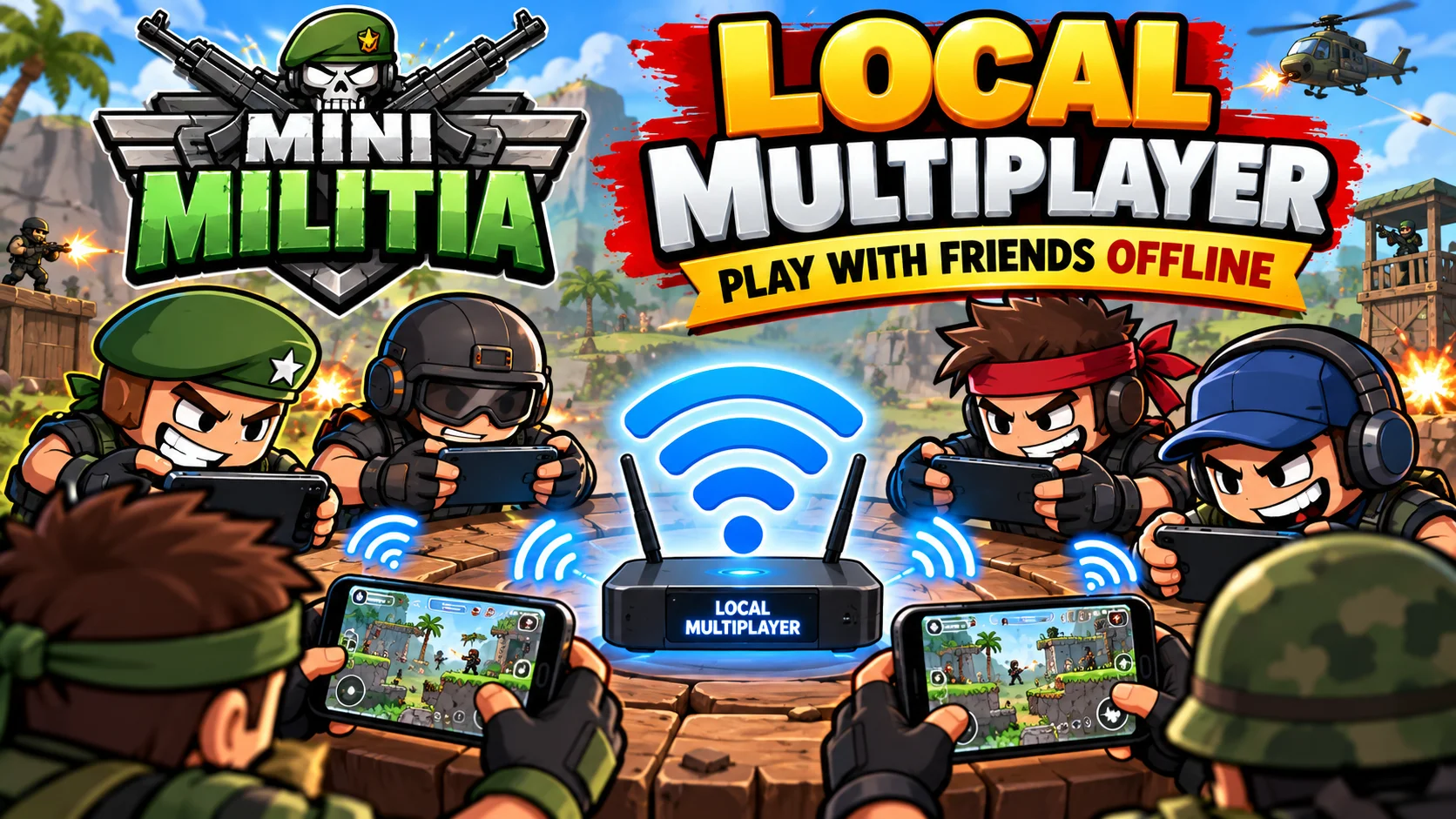
Mini Militia local multiplayer lets up to 6 friends battle in the same room, with zero data use and no server lag.
Quick answer
To play Mini Militia local multiplayer, connect every phone to the same Wi-Fi network or to one player’s mobile hotspot. The host taps Multiplayer > Local > Create. Everyone else taps Multiplayer > Local > Join. All phones must run the same game version. Local matches support up to 6 players and don’t need internet.
What’s in this guide
What is Mini Militia local multiplayer?
Doodle Army 2: Mini Militia is a 2D side-scrolling shooter made by the US studio Appsomniacs LLC and published by Miniclip. It launched on iOS in April 2011 and reached Android in March 2015. Since then it has passed 100 million downloads on Google Play, with a rating that sits around 4 stars.
Local multiplayer is the mode where phones talk to each other directly over a shared network. Nothing goes through an outside server. One player acts as the host, and everyone else joins that host’s match.
This is the mode that made the game a legend in India, Pakistan, Bangladesh and across Southeast Asia. Students played it between classes, in hostels and on long bus rides, all running off a single hotspot. It’s still the easiest way to play with friends when your connection is slow, expensive or missing.
How does it work behind the scenes?
The host phone creates the match and acts as a small server. Other phones send their moves and shots to it over Wi-Fi, and the host sends the game state back to everyone. Because the data only travels a few meters, delay is usually very low. That’s why so many players say local feels smoother than online.
Why is local multiplayer still popular in 2026?
Most modern shooters, like PUBG Mobile, Call of Duty: Mobile and Free Fire, need a steady internet connection for every match. Mini Militia is one of the few action games that still lets a whole group play together with no signal at all. That makes it a go-to choice in three common situations:
- Travel: trains, buses and flights where mobile data is weak or turned off.
- Tight data plans: players who don’t want to burn their daily limit on gaming.
- Low-end phones: the game is small and light, so older Android phones with 2 GB of RAM can usually still join.
There’s also a social side. Playing in the same room means real trash talk, instant rematches and zero random players. For many fans, that shared-room feeling is the whole point of the game.
What do you need to play Mini Militia locally?
The list is short. Check these points before you start and you’ll avoid almost every problem:
- 2 to 6 phones with Mini Militia installed. Android and iPhone both work.
- The same game version on every phone. This matters more than anything else. If one friend has a newer update, they won’t see your match.
- One shared network: a phone’s hotspot, or a Wi-Fi router everyone connects to.
- Short distance. Being in the same room is best. Indoors, a phone hotspot usually reaches around 10 to 20 meters, depending on walls and the phone model.
- Enough battery. The host drains faster, since it runs the hotspot and the match at the same time.
Tip: pick the fastest phone with the most battery as the host. If the host freezes or dies, the match ends for everyone.
How to play Mini Militia local multiplayer, step by step
These steps work for the official version from Google Play and the App Store.
1. Set up the network
- Turn on the host’s hotspot. On Android: Settings > Network > Hotspot and tethering. On iPhone: Settings > Personal Hotspot. At home, you can use your Wi-Fi router instead.
- Connect the other players. Each friend opens Wi-Fi settings and joins the host’s network with the password.
2. Create the match (host)
- Open Mini Militia and tap Multiplayer.
- Tap Local, then Create. Here you choose the map, mode, time limit and kill limit.
3. Join the match (everyone else)
- Tap Multiplayer > Local > Join.
- Tap the host’s game when it shows up in the list. Wait in the lobby until the host taps Start.
The first setup takes about three minutes. After that, it’s under one.
Mini Militia local vs online: which is better?
Both modes share the same weapons and maps, but they feel different. Here’s how they compare:
Swipe the table sideways to see all of it.
| Feature | Local multiplayer | Online multiplayer |
|---|---|---|
| Connection | Wi-Fi or hotspot, no internet | Mobile data or Wi-Fi with internet |
| Players | Up to 6 | Up to 6 per room |
| Delay (ping) | Very low, almost instant | Depends on your network and server |
| Opponents | Friends sitting next to you | Strangers, or friends via room code |
| Data use | None | Low but constant |
| Rank and XP | Counts less or not at all, by version | Counts toward ranking up |
| Best for | Hangouts, trips, no-signal areas | Practicing against new players |
If your goal is to climb the ranks, online is the way. We explain how XP and promotions work in our complete Mini Militia ranks guide. If you just want to laugh with friends on the couch, local wins easily.
Which game modes can you play in local multiplayer?
The host picks the mode when creating the room. The most popular ones are:
- Deathmatch (free for all): every player fights alone. Whoever gets the most kills before time runs out wins. This is the classic party mode.
- Team Deathmatch: red team vs blue team. With 4 or 6 players, it’s the fairest mode, since one strong player can’t carry the whole match alone.
- Custom matches: change the time, kill limit and, in some versions, which weapons spawn. Great for friendly tournaments.
Outside multiplayer you also get Survival and bot training. Use them to warm up while you wait for friends to arrive.
What are the best maps for local play?
Not every map works well with a small group. A huge map with 2 players turns into hide and seek. A tiny map with 6 is pure chaos. Use this table to choose:
Swipe the table sideways to see all of it.
| Map | Size | Best player count | Play style |
|---|---|---|---|
| Outpost | Medium | 4 to 6 | Balanced, good for beginners |
| Catacombs | Medium | 3 to 6 | Tunnels and close fights |
| High Tower | Large, vertical | 4 to 6 | Lots of jetpack flying, sniping |
| Bunker | Small | 2 to 4 | Fast and aggressive |
| Lunar Base | Medium | 4 to 6 | Open space, long-range weapons |
| Crossroads | Large | 6 | Team play, multi-level routes |
Our simple rule: with 2 or 3 players, go for Bunker or Catacombs. With 5 or 6, pick Outpost or Crossroads in team mode.
Which weapons work best in local matches?
In local play, your opponents know your habits. So mixing things up pays off. These weapons perform best in small rooms:
- Shotgun: deadly up close. Perfect for Bunker and Catacombs.
- M4 and AK-47: reliable at mid range. A safe pick when you’re not sure what to grab.
- Sniper: can decide the match on High Tower and Lunar Base. Much weaker on tight maps.
- Flamethrower: brutal in narrow halls, but you’re exposed while closing the gap.
- Grenades: great for flushing someone out of cover. Friends tend to hide in the same spots every round, so use that.
Good to know: the Pro Pack lets you carry two guns at once (dual wield). You don’t need it for local play, but it helps in close fights. If only some of your group owns it, agree on rules before you start.
Common local multiplayer problems and how to fix them
Most issues have a simple cause. Check this table before reinstalling anything:
Swipe the table sideways to see all of it.
| Problem | Likely cause | Fix |
|---|---|---|
| Match doesn’t show up after tapping Join | Different game versions | Update every phone to the same version from the official store |
| Still no match, even with the same version | Not on the same network | Check each phone’s Wi-Fi settings and confirm it’s on the host’s hotspot |
| Game can’t find matches on Android 12 or newer | Nearby devices or location permission is off | Allow those permissions for Mini Militia in Settings > Apps |
| Stutter or lag | VPN, battery saver or a slow host | Turn off VPN and battery saver, and try a different host |
| A player keeps dropping | Too far away or behind walls | Move closer to the host phone |
| Game closes when entering the lobby | Low free memory | Close other apps and restart the phone |
If the problem won’t go away, swap roles. Sometimes one phone just builds a bad hotspot, and a different host fixes everything on the first try.
Pro tips to win Mini Militia local matches
After many group sessions, these are the habits that make the biggest difference:
Manage your jetpack fuel
Jetpack fuel refills when you touch the ground. Players who fly nonstop run dry at the worst moment. Use short bursts and land often.
Learn where strong weapons spawn
On each map, the rocket launcher and sniper appear in fixed spots. Whoever gets there first often wins the round. With only 6 players, this matters even more.
Use weapon zoom
Many guns let you zoom out your view. That shows enemies who are off your normal screen, which is key on big maps like High Tower.
Break your patterns
Your friends know you. If you always hide in the same corner, they’ll figure it out in two rounds. Change your route and your weapon.
Tweak your controls
In Settings you can move and resize the joysticks. A few seconds here will help your aim more than any trick.
How do you run a local Mini Militia tournament?
Local mode is perfect for a small tournament at school, at the office or at a party. A bit of structure makes the whole evening more fun. Here’s how we do it:
- Pick a format. With 6 players, 5 minute Deathmatch rounds are easiest. Add up kills from each round, and the highest total wins.
- Set the rules first. Is dual wield allowed? Are mods allowed? How many maps? Write it in a group chat to avoid arguments.
- Rotate maps. Three different maps (one small, one medium, one large) reward players who adapt, not just the one who owns a single map.
- Switch hosts if needed. After 30 to 40 minutes, the host phone can get hot. Hand the role to someone else to keep the match stable.
- Keep a charger nearby. A running hotspot eats battery fast. A power strip on the table stops people from dropping out halfway.
For groups bigger than 6, run knockout rounds. Play two 3 vs 3 rooms, and send the top players from each to the final.
Can you use mod versions in local multiplayer?
Lots of players look for modified versions with unlimited ammo or nitro. In local play, a mod only works if every phone runs the exact same modified build. If one friend has the official game and another has a mod, they won’t see each other’s matches.
Heads up: mods are not official releases from Appsomniacs or Miniclip. Only download them from sources that clearly explain what they change, check the permissions they ask for, and avoid using them online, where they can get your account banned.
If you want to compare the official and modified versions, you’ll find the details, safety notes and install steps on our Mini Militia Mod APK homepage.
Key takeaways
- Mini Militia local multiplayer runs over Wi-Fi or a hotspot and needs no internet.
- It supports up to 6 players, including the host.
- Every phone must run the same game version. This causes most errors.
- In-game path: Multiplayer > Local > Create (host) or Join (everyone else).
- Choose the strongest phone with the most battery as the host.
- Small maps suit 2 or 3 players. Large maps and team mode suit 5 or 6.
- For ranking up, online play helps more than local.
Mini Militia local multiplayer FAQs
Can you play Mini Militia with friends without internet?
Yes. Local multiplayer runs over Wi-Fi or a mobile hotspot and doesn’t need an internet connection. Everyone just needs to be on the same network.
How many players can join a Mini Militia local match?
Up to 6 players per match, including the host.
Why can’t I see my friend’s game when I tap Join?
The most common reasons are different game versions, not being on the same Wi-Fi network, or an active VPN.
Does Mini Militia local multiplayer use mobile data?
No. Match data stays inside the local Wi-Fi network. To be fully safe, turn off mobile data on the host phone.
Can an iPhone play local multiplayer with an Android phone?
It can work if both phones run the same game version and share one network, but iOS and Android updates don’t always line up. Check the version number first.
Do I need the Pro Pack for local multiplayer?
No. The Pro Pack adds extras like dual wield and more avatar options, but basic local play works without it.
Conclusion: the easiest way to play with your friends
Mini Militia local multiplayer is still one of the best ways to enjoy mobile gaming as a group. You don’t need internet, delay is tiny, and you can set up a match in three minutes. Just remember three things: same version, same network, and a solid host.
Pick a map that fits your group size, agree on rules before the first round, and let the chaos do the rest.
Ready for your next match?
Check the latest version, install notes and more Mini Militia guides.
Visit our Mini Militia homepage