Mini Militia Best Settings for Low-End Phones
Practical Android tips to reduce lag, improve responsiveness, and enjoy smoother gameplay on budget phones.
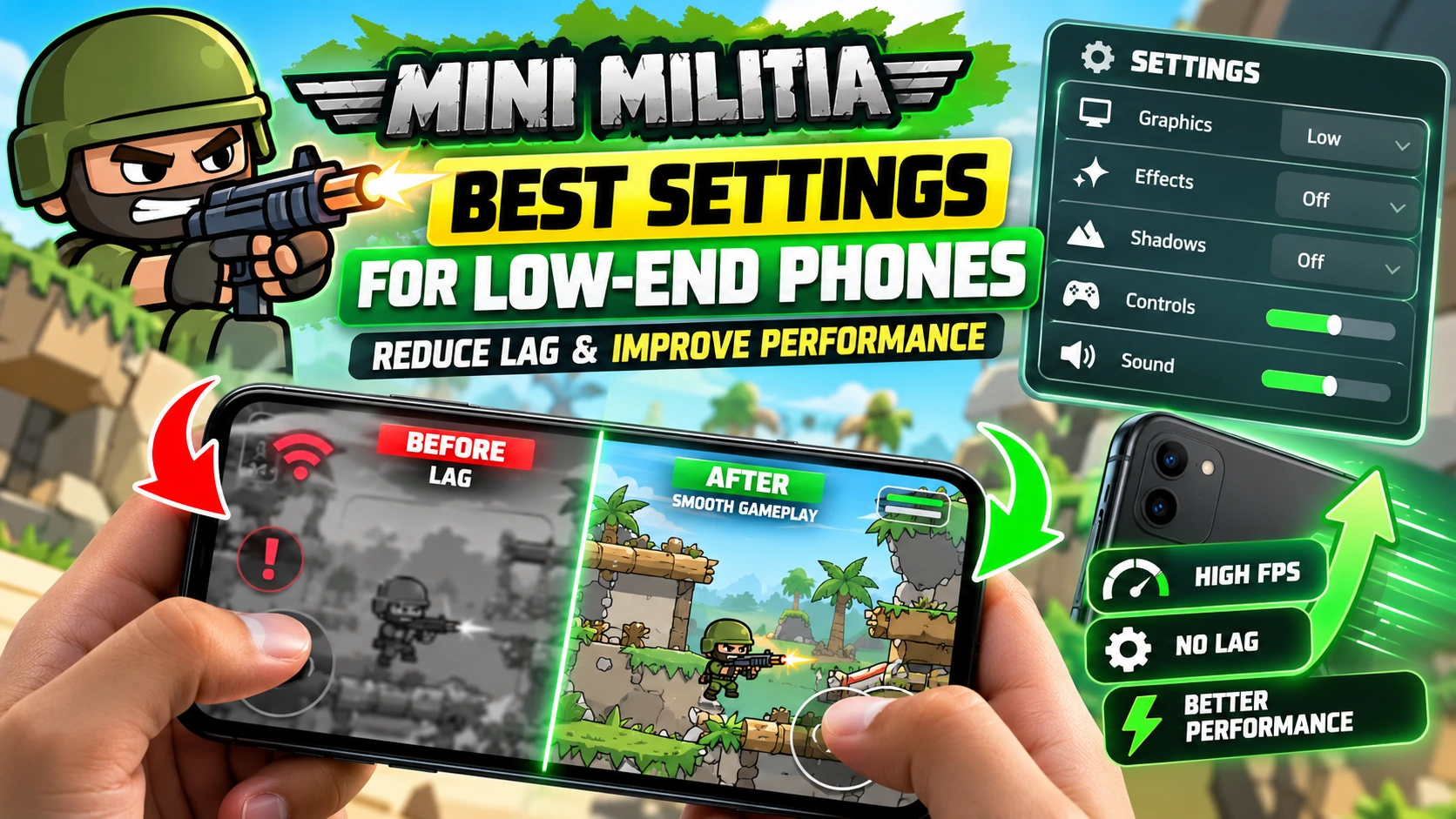
The best Mini Militia low-end phone settings depend on your device’s RAM, processor, Android version, and network. These simple adjustments are a useful starting point for players using budget Android phones in Pakistan.
Why Does Mini Militia Lag on Low-End Phones?
Lag can happen when the phone struggles to process the game, becomes too hot, runs short of available resources, or has an unstable internet connection. Identifying the cause helps you choose the right fix instead of changing random settings.
Best Mini Militia Performance Settings on Android
Start with these recommendations and adjust them according to the options available on your phone and game version.
| Setting | Recommendation | Expected benefit |
|---|---|---|
| Graphics | Choose low, if available | May reduce rendering load |
| Background apps | Close unnecessary apps | Frees resources |
| Storage | Keep adequate free space | Helps overall device performance |
| Battery Saver | Test with it disabled if performance is restricted | May improve responsiveness |
| Internet | Use the most stable available connection | May reduce network interruptions |
| Temperature | Allow the phone to cool down | Helps avoid heat-related slowdowns |
Note: Not every Mini Militia version offers dedicated graphics or FPS controls. Do not assume a setting exists if it is absent from your game.
How to Make Mini Militia Run Smoother
1. Close unnecessary background apps
Close apps you are not using before launching the game. Browsers, video players, and other demanding applications may consume resources. Avoid force-stopping essential Android services.
2. Restart your phone
A restart can resolve temporary slowdowns. After restarting, open Mini Militia first and test a match before launching other apps.
3. Free up storage space
Remove unwanted downloads and unused applications. Check the Storage section in Android Settings before deleting anything. Do not clear game data unless you understand that it may remove local settings or progress.
4. Check battery and gaming modes
If your phone has a built-in Game Mode or Performance Mode, test it. Some phones restrict performance when Battery Saver is enabled, while others handle gaming differently.
5. Keep your phone cool
Avoid direct sunlight and take breaks if the device becomes hot. Never put a hot phone in a refrigerator or freezer, as condensation and sudden temperature changes can cause damage.
How to Reduce Mini Militia Online Lag in Pakistan
If the game looks smooth but opponents move unpredictably or actions register late, the problem may be your connection rather than graphics performance.
- Move closer to your Wi-Fi router if the signal is weak.
- Test mobile data if your Wi-Fi connection is unstable, or vice versa.
- Pause large downloads and video streams during matches.
- Avoid playing where your mobile signal frequently drops.
- Test your connection at different times if network congestion is suspected.
Quick Fixes for Common Mini Militia Problems
| Problem | What to try first |
|---|---|
| Screen stutters | Close apps and reduce optional visual effects. |
| Players teleport online | Test another internet connection. |
| Performance gets worse over time | Let the phone cool down. |
| Game crashes | Check storage, compatibility, and trusted updates. |
| Phone feels slow everywhere | Investigate general Android performance issues. |
Use the official Google Android troubleshooting guide for general device performance help. For game-specific issues, consult the Miniclip Support Center.
Mini Militia Low-End Phone Settings FAQs
Can Mini Militia run on a 2GB RAM phone?
It may run if the device meets the game’s compatibility requirements, but smooth performance is not guaranteed. The processor, Android version, available memory, and background apps also matter.
Does lowering graphics increase FPS?
It can help when graphics processing is the main bottleneck and the game provides lower graphics options. It will not necessarily fix network lag or overheating.
Should I install an FPS booster?
Start with built-in Android settings. Third-party boosters cannot guarantee better performance and may introduce privacy, security, or stability risks.
Why does Mini Militia lag only online?
Online-only lag can indicate high latency, unstable Wi-Fi, weak mobile data, or network congestion. Compare connections before changing graphics settings.
Can Developer Options fix game lag?
Changing Android animation scales can make menus feel faster, but it does not guarantee higher in-game FPS. Avoid unfamiliar developer settings that could make the device unstable.