MINI MILITIA MOD APK
UNLIMITED AMMO, ZERO RELOADS
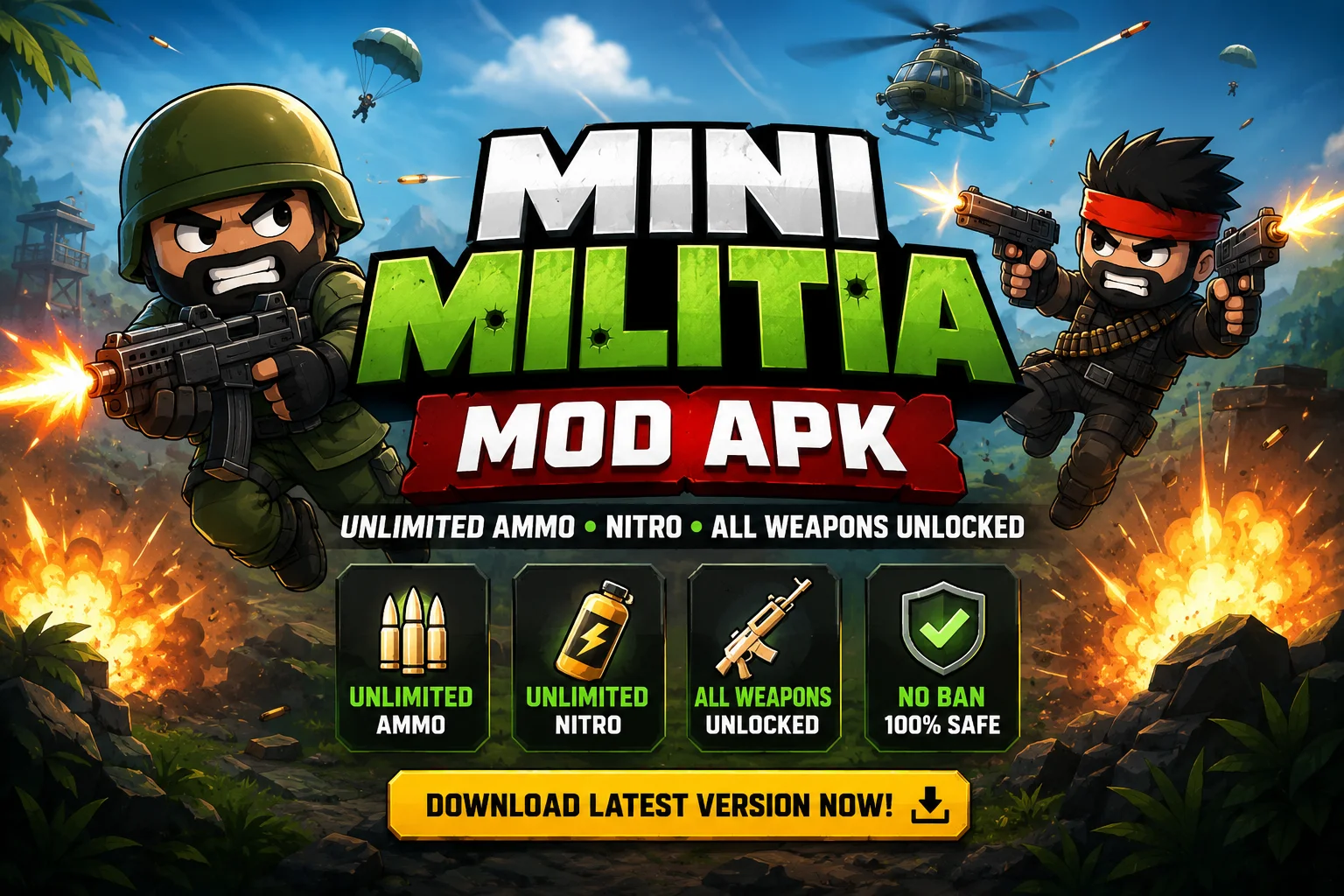
Doodle Army 2: Mini Militia turned a stick-figure shootout into one of Android’s most-played local-multiplayer games. This page hosts a fan-modified build — v5.6.0 — with ammo, nitro fuel and every weapon unlocked from the first match. It’s a community mod, not an official Appsomniacs or Miniclip release. Read the install and safety notes below before you download; they take two minutes and they’re worth it. Want to play on a bigger screen? Check our Mini Militia for PC guide.
67 MB · ANDROID 4.4+ · NO ROOT REQUIRED
Origin File
The Game Behind the Mod
Before there were mods, there was just Doodle Army 2 — a scrappy little shooter that became a generation’s go-to game for local multiplayer.
Doodle Army 2: Mini Militia was built by Appsomniacs, a small studio started by developer Chad Towns, who was later joined by Hunter Mayer to help manage the growing workload of servers, code, and game design. The game launched on iOS in April 2011, but it was the Android release in March 2015 that turned it into a phenomenon — particularly across India and the wider South Asian region, where its support for offline Bluetooth and local WiFi multiplayer made it a favorite for students and friend groups playing together on shared data plans.
The game went on to pass 100 million downloads on the Google Play Store, holding a steady rating around 4 out of 5 stars — a respectable number for a 2D side-scrolling shooter with hand-doodled art. Miniclip later took over publishing duties and pushed the team to keep updating the existing game with new weapons, avatars, and customization options rather than building a sequel, which is part of why the core Doodle Army 2 experience has stayed recognizable for well over a decade.
What kept players coming back wasn’t graphics — it was the chaos. Up to six players, jetpack-powered dogfights, a goofy doodle art style that made every death faintly ridiculous, and matches short enough to squeeze in “just one more round.” It’s also lightweight enough to still run comfortably on modest hardware, which is exactly why a modded version of it remains relevant years later. If you’re new to the game, our tips and tricks guide can help you get started quickly.
Briefing
What Exactly Is a Modded APK?
A modded APK is the original game’s installer file, opened up and repacked by a third party to change specific values — how much ammo you start with, how fast your jetpack fuel drains, how much health you have, how much in-game currency you’re holding. Modders do this by hand, usually for games with a strong offline or casual-multiplayer scene, because it lets players skip the grind and just play.
It’s important to be upfront about what that means: this build is not made, signed, or reviewed by Appsomniacs or Miniclip, and it hasn’t gone through Google Play’s review process the way the official app has. That doesn’t automatically make it dangerous, but it does mean the usual safety net — Play Store scanning, developer verification, automatic security updates — isn’t there. You’re trusting the modder and the host, not Google.
Practically, that means treating this the way you’d treat any third-party APK: check what permissions it asks for, keep your phone’s built-in protection switched on, and don’t reuse it for anything tied to your main accounts. The full checklist is a little further down this page — it’s short, and it’s the part most download sites skip. If you run into any trouble during installation, our fix issues guide covers every common problem and solution.
App Details
Mini Militia Mod APK — Complete Info
| Game Name | Mini Militia – Doodle Army 2 Mod APK |
| Current Version | v5.6.0 |
| File Size | 67.0 MB |
| Original Developer | Appsomniacs LLC (published by Miniclip) |
| This Build | Unofficial, fan-modified — not affiliated with Appsomniacs or Miniclip |
| Android Requirement | Android 4.4 and above |
| Category | Action / Local Multiplayer Shooter |
| Price | FREE |
| Root Required | No |
| Mod Features | Unlimited ammo, nitro, god mode, all guns unlocked |
Mod Features
Everything Unlocked — Zero Limits
Every value below is changed at the file level, so it’s active the moment you launch the game — no codes, no unlocks to grind toward. For a deeper breakdown of every weapon and loadout, visit our weapons guide.
Unlimited Ammo
Fire continuously without managing ammo pickups. No more sprinting across the map mid-firefight to refill a clip.
Unlimited Nitro
Jetpack fuel never runs dry, so aerial dogfights and quick escapes stay possible for the entire match.
God Mode
Extra health that lets you absorb far more hits before going down — useful for surviving chaotic six-player free-for-alls.
All Guns Unlocked
Snipers, flamethrowers, rocket launchers and laser guns are available from your very first match, no progression needed.
Unlimited Currency
In-game cash and coins are maxed out, so cosmetic items and customization options are available immediately.
Fewer Ads
Most banner and video ad triggers found in the official build have been stripped out of this package.
Light on Older Phones
The doodle art style was never graphics-heavy to begin with, and this build keeps that lightweight footprint intact. Looking for an even lighter build? See our old versions page.
Offline + Local Multiplayer
Survival mode against bots and local WiFi matches with friends work without any internet connection at all. Learn how to set up matches in our tips and tricks section.
Avatars & Skins
Customization options that are normally tied to currency or progress are unlocked for immediate use.
Mod vs Original
Mod vs Official Build — The Honest Trade-Off
The mod trades one thing for another: total freedom in casual and offline play, in exchange for not being welcome on official ranked or matchmaking servers. Most anti-cheat systems are built specifically to flag the kind of altered values this mod relies on, so it’s built for bots, LAN nights, and friends — not leaderboard climbing. Curious about how the ranking system works? We’ve covered that too.
| Feature | Official Build | Mod APK v5.6.0 |
|---|---|---|
| Unlimited Ammo | ✗ No | ✓ Yes |
| Unlimited Nitro | ✗ No | ✓ Yes |
| All Guns Unlocked | ✗ Earned | ✓ From Start |
| God Mode / Extra Health | ✗ No | ✓ Yes |
| Reviewed by Google Play | ✓ Yes | ✗ No |
| Eligible for Ranked / Online Ladders | ✓ Yes | ✗ Risk of being flagged |
| Official Updates & Support | ✓ Yes | ✗ Community-maintained |
| Offline Survival Mode | ✓ Yes | ✓ Yes |
| Local WiFi Multiplayer | ✓ Yes | ✓ Yes |
Installation Guide
How to Download & Install
Download the APK file
Tap the download button on this page. Your browser may flag it with a generic “this file type can be harmful” notice — that’s standard for any APK that isn’t from the Play Store, not specific to this file.
Allow installs from this source
Go to Settings → Apps → Special Access → Install Unknown Apps, then enable it for your browser or file manager. Recent Android versions ask for this per app, not as one global toggle.
Open the downloaded file
Use your File Manager app to find the APK in your Downloads folder, then tap to open it.
Check the permissions screen
Before tapping Install, glance at what it’s asking for. Storage and network access make sense for a shooter; requests for SMS, contacts, or accessibility services don’t — back out if you see those.
Launch and play
The first launch may take slightly longer while local files are set up. After that, jump straight into training, survival, or local multiplayer. Need help picking the right map or weapon loadout? We’ve got guides for both.
67 MB · V5.6.0 · NO ROOT NEEDED
Staying Safe
Installing Third-Party APKs Responsibly
No download site can honestly guarantee a third-party APK is 100% risk-free — and you should be skeptical of any that claims otherwise. What actually helps is knowing what to check before and after you install.
Requirements
System Requirements
Minimum
- • Android 4.4 or higher
- • 1 GB RAM
- • 150 MB free storage
- • ARMv7 processor
Recommended
- • Android 10 or higher
- • 3 GB+ RAM
- • 250 MB free storage
- • Stable WiFi for local multiplayer
Want to play on PC instead? Follow our Mini Militia for PC setup guide.
Choosing a Build
Mod Version History
Newer isn’t always the right pick — older devices with limited RAM often run smoother on an earlier, lighter build than on the latest one. For a complete archive and download links, visit our old versions & classic mod page.
v5.6.0
Current build with full mod features and the best stability on modern Android.
v5.3.7
A long-time fan favorite, known for consistent local-multiplayer performance.
v4.2.8
Closer to the original interface and pacing, with all-guns-unlocked mod intact.
v4.0.42
Best suited to older phones with limited RAM and slower processors.
Explore More
Guides & Resources
Get more out of your Mini Militia experience with our in-depth guides covering every aspect of the game.
Weapons Guide
Every gun ranked with damage stats, range and best loadouts.
Maps Guide
Strategies, choke points and tips for every battlefield.
Ranks Guide
How the ranking system works and how to level up fast.
Tips & Tricks
Pro strategies for beginners and advanced players alike.
Mini Militia for PC
Play on Windows or Mac using emulators — full setup guide.
Old Versions & Classic Mod
Download earlier builds for low-end devices or nostalgic gameplay.
Fix Issues
Troubleshoot crashes, installation errors and multiplayer bugs.
Blog
Latest news, updates and community discussions.
Common Questions
Frequently Asked Questions
What is Mini Militia Mod APK, exactly?
It’s a community-modified version of Doodle Army 2: Mini Militia where the values controlling ammo, jetpack fuel, health, and currency have been changed to unlimited. It’s unofficial — not built, signed, or reviewed by Appsomniacs or Miniclip.
Is it free to download?
Yes. There’s no payment, subscription, or hidden charge anywhere in the download or install process.
Is it safe to install?
Any APK from outside the Play Store carries more inherent risk than a store-reviewed app, simply because it skips Google’s review pipeline. Treat it like any third-party file: check the permissions, keep Play Protect on, and follow the safety checklist above.
Can I use it for ranked or official online matches?
Not reliably. The altered ammo and health values are exactly what anti-cheat systems are designed to catch on official servers. It’s built for offline bots, local WiFi matches, and casual games with friends running the same build. Read more about how the ranking system works.
Will my Play Store progress carry over?
No. This build installs as a separate app from the official one, so save data, purchases, and account progress don’t transfer automatically between the two.
Do I need to root my phone?
No. The modified values are baked into the package itself, so no root access or extra device permissions are needed to run it.
Can I play offline?
Yes — training and survival mode against bots, plus local WiFi multiplayer with friends, both work with no internet connection. Online matchmaking still needs a connection.
Will it run on an older phone?
Likely yes — it needs Android 4.4 or higher and was never graphics-intensive. If your device is especially old or low on RAM, an earlier build like v4.0.42 may run more smoothly than the latest version. Check our old versions page for lighter builds.
What’s the difference between the Classic mod and v5.6.0?
The Classic build (around v4.2.8) keeps the original interface, controls, and pacing closer to the 2011–2015 game, while v5.6.0 carries newer cosmetic options and stability fixes on top of the same core mod features. For a full version comparison, visit our old versions & classic mod page.
Can I play Mini Militia on PC?
Yes — you can run it on Windows or Mac using an Android emulator like BlueStacks. We have a complete Mini Militia for PC guide with step-by-step setup instructions.
Which weapons and loadouts are best?
With all guns unlocked from the start, it comes down to your playstyle and the map you’re on. Our weapons guide breaks down every gun’s damage, range, and ideal use cases, and our maps guide covers which loadouts work best on which battlefield.
Ready When You Are
Download Mini Militia Mod APK
Free — Right Now
Unlimited ammo, nitro, god mode, and every weapon unlocked — the full mod experience in one download. Just read the install steps and safety checklist above first; it genuinely only takes a couple of minutes. Then explore our tips and tricks to dominate every match.
DOWNLOAD FREE — V5.6.067 MB · ANDROID 4.4+ · NO ROOT
This is a fan-made modification of Doodle Army 2: Mini Militia and is not affiliated with, endorsed by, or built by Appsomniacs LLC or Miniclip. Original game © their respective owners.