Mini Militia Multiplayer: How to Play Online and on LAN With Friends
A complete guide to Mini Militia multiplayer. Learn the player limits, how to host a room, how to play without internet over local Wi-Fi, which weapons win fights, and how to fix connection problems.
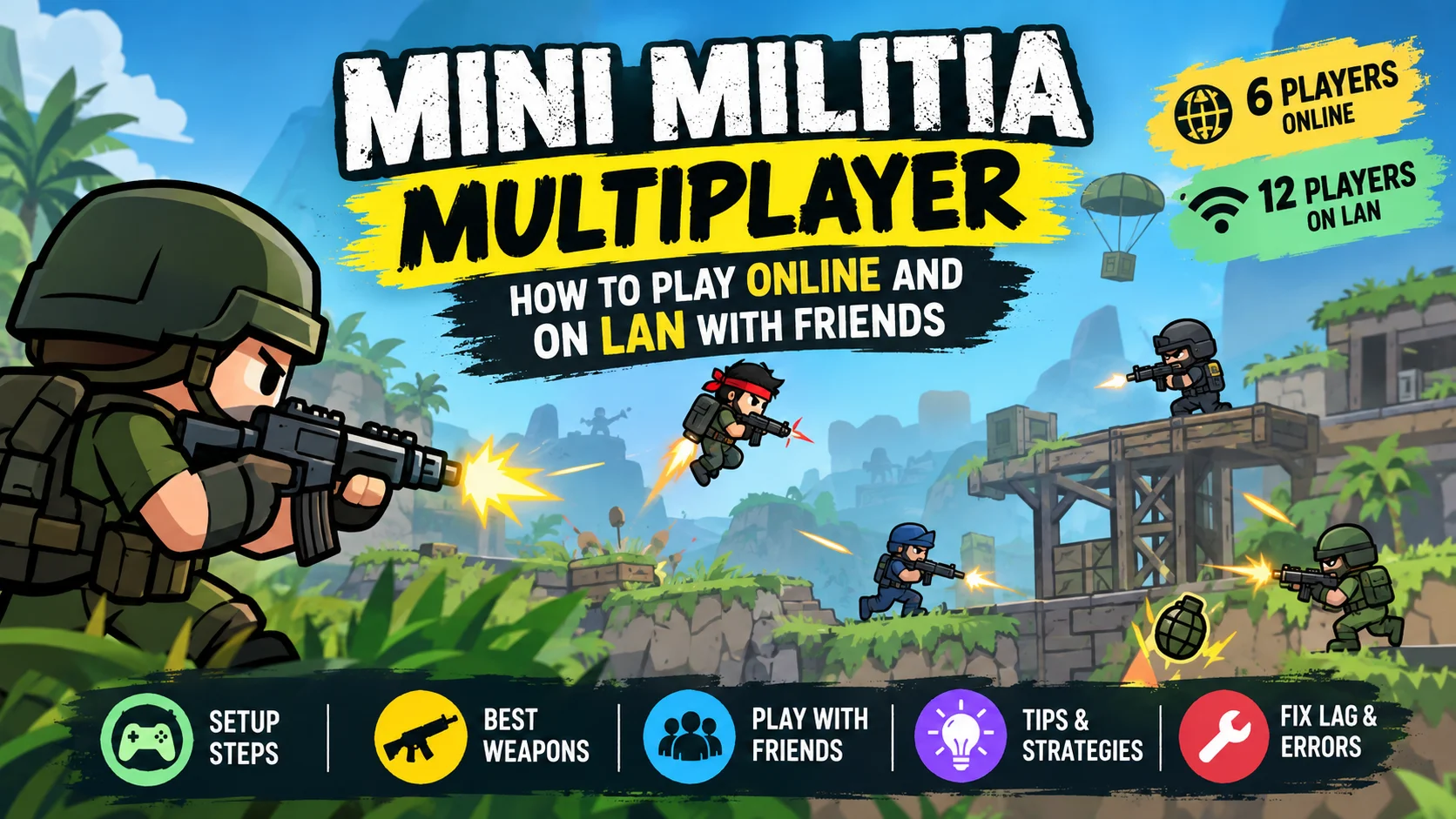
Mini Militia multiplayer lets you battle real players in matches of up to 6 players online and up to 12 players over local Wi-Fi (LAN). To play with friends, create a custom game, add them through the in-game Friends list, or share your room. LAN play is only available in Mini Militia Classic by Appsomniacs, and everyone must run the same game version.
What’s in this guide
What Is Mini Militia and Why Is Its Multiplayer So Popular?
Mini Militia, full name Doodle Army 2: Mini Militia, is a fast 2D shooter made by Appsomniacs LLC and published by Miniclip. It launched on iOS in April 2011 and reached Android in March 2015.
The art looks like something drawn in a school notebook. Don’t let that fool you. Under the doodles sits a sharp combat system: dual-stick controls, rocket boots for flying, and weapons ranging from pistols to flamethrowers.
According to Wikipedia’s Mini Militia page, the game has passed 100 million downloads on Google Play with a rating close to 4 stars. It became a huge hit in India and Pakistan, where students made it the go-to game for lunch breaks and hostel nights.
So why do people still play it years later? Three simple reasons:
- It’s small and runs on almost any phone, even budget devices with little RAM.
- Matches are short, usually a few minutes, so you can play anywhere.
- Local multiplayer lets friends in the same room play together, which few mobile shooters still offer.
New to the game? Start with our main Mini Militia Mod APK guide to see which versions are available.
What Types of Multiplayer Does Mini Militia Have?
Mini Militia gives you several ways to play against other people. Each one fits a different situation, so it helps to know them before you jump in.
Online multiplayer
You face players from around the world through game servers. You need an internet connection, and each match holds up to 6 players. This is the best choice when your friends aren’t nearby.
Local Wi-Fi multiplayer (LAN)
Every phone joins the same Wi-Fi network or one player’s mobile hotspot. It uses no internet data and lag is almost zero. Here you can fit up to 12 players, twice the online limit.
Custom games (private rooms)
You create a room, pick the map, mode and rules, and only the people you invite can join. It’s perfect for friendly tournaments or clan practice.
Offline modes for practice
These aren’t multiplayer, but they matter. Training with Sarge, Co-op and Survival help you sharpen your aim and jetpack control before facing real opponents.
| Mode | Max players | Needs internet? | Best for |
|---|---|---|---|
| Quick online match | 6 | Yes | Playing strangers any time |
| Custom online room | 6 | Yes | Friends or clans in different cities |
| LAN over Wi-Fi or hotspot | 12 | No | Groups in the same home, school or office |
| Survival / Training | 1 to 2 | No | Learning controls and practicing aim |
Miniclip Mini Militia vs Mini Militia Classic: Which Is Better for Multiplayer?
This is where many players get confused. There are two official versions on Google Play today, and they don’t work the same way.
The Miniclip version (listed on the store as Mini Militia: War.io) focuses on online play with up to 6 players, more than 20 maps and in-app purchases. Over time it lost the LAN mode that so many players loved.
That’s why Appsomniacs, the original studio, relaunched the game as Mini Militia Classic (MMC). This version brings back local Wi-Fi play, Capture the Flag and regional servers for better ping, according to the official Appsomniacs page.
| Feature | Mini Militia (Miniclip) | Mini Militia Classic (Appsomniacs) |
|---|---|---|
| Online play | Up to 6 players | Up to 6 players, regional servers |
| LAN over Wi-Fi | Not available | Yes, up to 12 players |
| Capture the Flag | No | Yes, it’s back |
| Offline modes | Survival | Training, Co-op and Survival |
| Best for | Quick online matches | Friends playing in one place |
Practical tip: if your group wants to play in the same room without internet, everyone should install Mini Militia Classic. If you mostly play online with strangers, either version works.
How Do You Play Mini Militia Multiplayer Online?
Playing online takes less than a minute to set up. These steps work in most current builds:
- Update the game from Google Play or the App Store. Old builds often fail to find servers.
- Open the game and tap Multiplayer (sometimes shown as “Play Online”).
- Choose Quick Play to join a public room, or Custom Game to make your own.
- Pick the mode and map if you’re hosting. You can choose team battles or free-for-all.
- Wait for the room to fill and start. As host, you decide when the match begins.
Ping matters a lot in a game this fast. If your shots seem to land late, look for rooms with players from your region, or switch from mobile data to a stable Wi-Fi network.
How Do You Play Mini Militia on LAN Without Internet?
LAN play is what made Mini Militia famous in classrooms and hostels. It uses no data and runs with almost no lag, because every phone sits on the same network. This works in Mini Militia Classic.
- One player turns on their mobile hotspot. Mobile data doesn’t need to be on.
- Everyone else connects to that Wi-Fi network. A shared home router also works if you’re all close by.
- The host opens the game, goes to Multiplayer, chooses the local or LAN option and creates a match.
- Other players open local Multiplayer and the room shows up in the list. Tap it to join.
- The host starts the match once everyone is in. Up to 12 people can play.
Watch out: every player must run the exact same game version. If one phone has a different build, that player won’t see the room. It’s the number one LAN problem.
Want a bigger screen? Our Mini Militia for PC guide shows how to use an emulator and join the same matches.
How Do You Play Mini Militia With Friends Who Live Far Away?
Recent versions include an in-game Friends feature. You can search for players by nickname or ID, add them, and invite them to custom games. It even works with guest accounts.
One rule matters here: you and your friends need the latest version of the game. Otherwise you won’t find each other.
How to run a fun match with friends
- Agree on the map first so nobody wastes time voting.
- Balance the teams. Mix strong players with beginners so everyone has fun.
- Set simple house rules, like no grenades in the first 30 seconds or shotguns only.
- Use voice chat outside the game, such as Discord or WhatsApp, to plan team pushes.
House rule ideas that keep matches fresh
- Sniper duel: only the sniper rifle is allowed, on a wide map.
- Knife fight: melee only, which forces close, chaotic battles.
- Flag defense: in Capture the Flag, one team may only defend for the first half.
Which Weapons and Power-Ups Work Best in Multiplayer?
Mini Militia mixes modern and futuristic weapons. They spawn around the map, so moving fast to grab them is part of the plan. The official list includes Desert Eagle, Uzi, Magnum, MP5, AK47, M4, M14, shotgun, M93BA sniper, SMAW rocket launcher, machete, PHASR, Saw Gun, and frag, proximity and gas grenades.
Damage numbers can shift a little between game updates and between official and community builds. Treat the table below as a relative guide. “The sniper hits harder than the Uzi” is reliable; an exact damage percentage isn’t.
| Weapon | Best range | Strength | Weakness |
|---|---|---|---|
| Shotgun | Close | Huge damage up close | Almost useless at long range |
| Uzi / MP5 | Close to mid | Fast fire rate for spraying | Low damage per bullet |
| AK47 / M4 | Mid | Balanced damage and control | Not the best at either extreme |
| M93BA Sniper | Long | Heavy single shots, zoom | Slow follow-up, exposed while aiming |
| SMAW Rocket | Mid to long | Splash damage hits groups | Slow reload, risky up close |
| Flamethrower | Close | Holds corners and flags | Short reach, easy to outrange |
Power-ups that swing a match
- Power Boost: raises your damage for a short time. Grab it before a fight, not after.
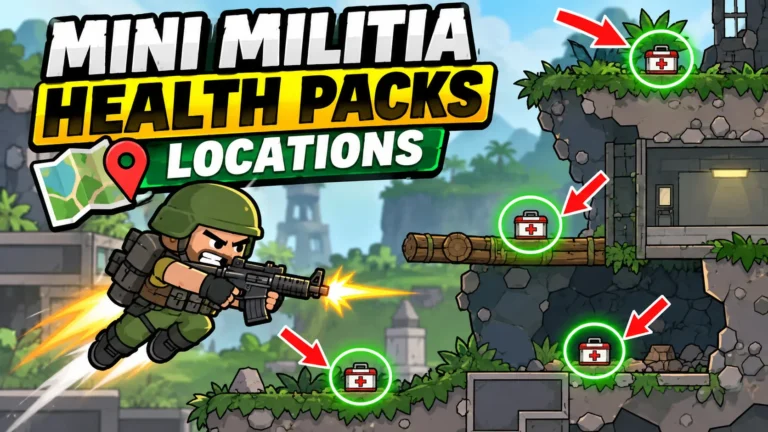
- Health Pack: restores health. Learn where it spawns on your favorite maps.
- Riot Shield: blocks bullets from the front. Great in Capture the Flag.
The Pro Pack unlocks extras like dual wield and more avatar options. See what it includes on our Mini Militia Pro Pack page.
What Strategies Do Top Mini Militia Players Use?
Winning in multiplayer isn’t only about fast shooting. These habits separate average players from the ones who own the room.
Manage your jetpack fuel
Rocket boot fuel refills when you touch the ground. Strong players fly in short bursts and land often. Run out of fuel mid-air and you become an easy target.
Use zoom to spot enemies first
Several weapons let you zoom. Scan the map before you move. Seeing your opponent first usually decides the duel.
Bounce your grenades
Grenades bounce off walls and ceilings. Throwing one at a wall so it drops behind cover is one of the most effective tricks in the game.
Learn a few maps deeply
Every map has high ground, tunnels and weapon spawns. Master two or three maps fully instead of knowing all of them halfway.
Don’t chase alone in team modes
The most common team mistake is chasing one enemy straight into their base and getting surrounded. Move as a group and cover each other’s sides.
Find more ideas in our Mini Militia tips and tricks guide.
How Do You Reduce Lag in Mini Militia Multiplayer?
A shooter this quick punishes even small delays. These changes help on almost every phone:
- Pick Wi-Fi over mobile data for online games. It’s usually more stable.
- Keep the hotspot phone close during LAN games. Walls and distance weaken the signal.
- Close background apps like video streaming or downloads before you play.
- Turn off battery saver, since some phones slow down network and CPU in power saving mode.
- Choose rooms in your region. Mini Militia Classic’s regional servers exist for this reason.
Why Is Mini Militia Multiplayer Not Working? Common Errors and Fixes
Most connection problems have a simple cause. Here are the ones players hit most often:
| Problem | Likely cause | Fix |
|---|---|---|
| Can’t see my friend’s LAN room | Different versions or networks | Install the same version and join the same hotspot |
| Heavy lag online | Slow network or distant server | Use stable Wi-Fi and rooms in your region |
| “Unable to connect to server” | Outdated game or server maintenance | Update and try again in a few minutes |
| Friend doesn’t show in the list | One of you isn’t on the latest version | Both update, then search by ID |
| Game closes mid-match | Low memory or corrupted cache | Close other apps and clear the game cache |
If you meet cheaters in online matches, Miniclip runs an official support channel where you can report them.
Can You Use a Mod APK in Mini Militia Multiplayer?
We get this question a lot, and the honest answer has two parts.
In public online matches, mods with unlimited ammo or health ruin the game for everyone else. Miniclip also uses anti-cheat systems that flag and isolate suspicious accounts. You can lose your account.
In LAN or private games where everyone agrees, a mod can be a fun way to try wild rules, like a match where every player has unlimited ammo. The key is that all players know and accept it.
Safety first: only download APK files from sources you trust, check the permissions an app asks for, and never test modified builds on your main Google account.
To see the options, check our Mini Militia Mod APK download page and the list of old Mini Militia versions, which helps when your group needs matching builds for LAN.
Key Takeaways
- Mini Militia multiplayer supports 6 players online and 12 players on local Wi-Fi.
- Offline LAN play lives in Mini Militia Classic by Appsomniacs, not the current Miniclip build.
- To play together, everyone needs the same game version.
- The Friends feature lets you find players by nickname or ID and invite them to private rooms.
- Jetpack control, zoom and grenade bounces win the most fights.
- Mods only make sense in private matches where every player agrees.
Mini Militia Multiplayer FAQs
How many players can play Mini Militia multiplayer?
Up to 6 players in online matches and up to 12 players in local Wi-Fi (LAN) matches in Mini Militia Classic.
Can you play Mini Militia multiplayer without internet?
Yes. In Mini Militia Classic, one player turns on a hotspot, the others connect to it, and everyone plays in local mode without using data.
Why can’t I see my friend’s LAN room?
Usually you’re on different game versions or different Wi-Fi networks. Install the same version and connect to the same hotspot.
How do I add friends in Mini Militia?
Open the in-game Friends feature and search for the player by nickname or ID. Both of you need the latest version installed.
Does Mini Militia multiplayer work between Android and iOS?
The game is on both platforms and online play connects players through servers. The most important thing is that everyone runs the same version.
Which Mini Militia mode is best for beginners?
Start with Training and Survival to learn the controls. Then try LAN games with friends before joining public online rooms.
Can I get banned for using mods in multiplayer?
Yes. Miniclip uses anti-cheat systems in online matches. Only use mods in private or LAN games where everyone agrees.
Which version is better for playing with friends, Miniclip or Classic?
If you’re in the same place, Mini Militia Classic, because it supports 12-player LAN. If you’re far apart, both work for online rooms.
Ready for Your Next Match?
Mini Militia multiplayer is at its best with friends: grab your squad, pick the right version, turn on a hotspot and start playing. Need the game or a specific build? We’ll help you find it.