Mini Militia Bluetooth Multiplayer: How to Play With Friends Offline (2026 Guide)
Quick answer
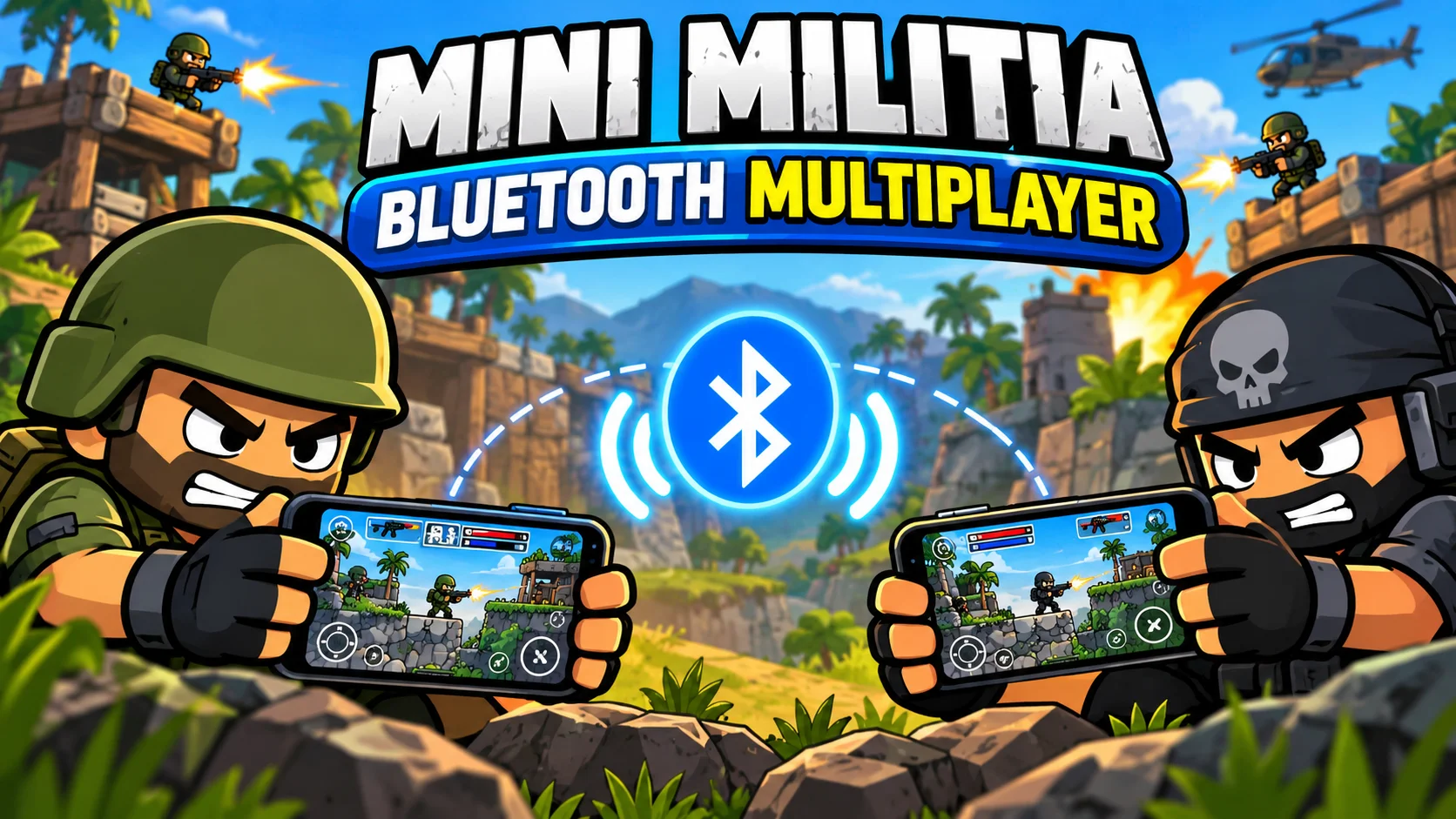
Mini Militia Bluetooth multiplayer was part of the game’s early local mode, but today’s versions of Doodle Army 2 run nearby matches over LAN Wi-Fi, usually through one phone’s mobile hotspot. You don’t need internet or mobile data. One player turns on a hotspot, everyone connects to it, the host creates a room under the local or LAN Wi-Fi option, and friends join. The official game supports up to six players per match.
If you’ve searched for Mini Militia Bluetooth multiplayer, you probably want one thing: a match with friends sitting next to you, no internet, no data pack. That’s still easy. You just need to know which connection the game actually uses now, and how to set it up so the room shows up the first time.
What’s in this guide
- What is Mini Militia Bluetooth multiplayer?
- Does Mini Militia still support Bluetooth?
- Bluetooth vs hotspot vs online play
- How to play offline with friends, step by step
- Can Bluetooth tethering work instead?
- How many players can join?
- Fixing connection problems
- Best modes and maps for local matches
- Tips from long local sessions
- Are modded APKs safe for local play?
- FAQ
What is Mini Militia Bluetooth multiplayer?
Mini Militia Bluetooth multiplayer means playing Doodle Army 2: Mini Militia with nearby friends without an internet connection. The phrase comes from the game’s early days, when local play could run over Bluetooth or Wi-Fi. Wikipedia’s article on the game still notes that it supports local multiplayer via Bluetooth or Wi-Fi, and that this made it a favorite in places like university cafeterias.
Some background helps here. The game was built by Appsomniacs LLC, a small studio started by developer Chad Towns. It launched on iOS in April 2011 and reached Android in March 2015. Miniclip later took over publishing. On the Google Play Store, it passed 100 million downloads, with especially big player bases in India, Pakistan and Bangladesh.
Why did local play matter so much? Because in 2015 and 2016, mobile data in South Asia was often slow or expensive. A game that let six friends fight in a hostel room with zero data was a big deal. That habit stuck, and people still search for “Bluetooth” even though the game now leans on Wi-Fi for the same job.
Does Mini Militia still support Bluetooth?
Short answer: not in the versions most people play today. Early builds, mostly on iPhone, offered a Bluetooth option. Current Android and iOS builds show a LAN Wi-Fi option for local matches instead. If you open the multiplayer menu and look for a Bluetooth button, you won’t find one.
There are solid technical reasons for the change:
- Range. Phone Bluetooth usually works well within about 10 meters, and walls cut that down fast. A hotspot covers a whole room or small house.
- Player count. Classic Bluetooth connections get unstable as you add devices. Wi-Fi handles five or six phones in one room without much trouble.
- Speed and lag. Classic Bluetooth tops out around 2 to 3 Mbps. Even an old Wi-Fi 4 (802.11n) hotspot is far faster, and fast shooters need quick updates for every player.
- Android changes. Newer Android versions tightened Bluetooth permissions and background scanning, which made Bluetooth game lobbies harder to keep reliable.
So when someone says “Mini Militia Bluetooth multiplayer” in 2026, what they almost always mean is offline local multiplayer over a hotspot. The good news: it’s the better experience anyway.
Bluetooth vs Wi-Fi hotspot vs online: which should you use?
Here’s how the three ways to play with friends stack up. Use it to pick the right setup before you start.
| Feature | Bluetooth (old builds) | Wi-Fi hotspot / LAN | Online multiplayer |
|---|---|---|---|
| Internet needed | No | No | Yes |
| Typical range | About 10 m | Whole room or small house | Anywhere |
| Players per match | Small groups, often unstable | Up to 6 (official game) | Up to 6 (official game) |
| Lag | Noticeable with more players | Very low | Depends on your network |
| Available in current version | No | Yes | Yes |
| Best for | Nostalgia | Friends in the same place | Friends in different cities |
Swipe the table sideways to see all columns.
How to play Mini Militia with friends without internet
This is the method that replaced Bluetooth, and it works on Android and iPhone. Menu names shift a little between versions, but the flow stays the same.
- Install the same version on every phone. Check the version number in the game settings. A mismatch is the top reason rooms don’t show up.
- Turn on a mobile hotspot on one phone. On Android, go to Settings, then Network and internet, then Hotspot and tethering. On iPhone, open Settings, then Personal Hotspot. Mobile data can stay off.
- Connect the other phones to that hotspot. Everyone joins the hotspot network from their Wi-Fi settings, using the password you set.
- Open Mini Militia on the host phone. Go to the multiplayer menu, choose the local or custom option, then pick LAN Wi-Fi.
- Create the room. Tap Host, then pick the mode, map and match settings. Keep the screen on while others join.
- Join from the other phones. They open the same LAN Wi-Fi screen. The host’s room should appear in the list. Tap it and wait for the host to start.
Tip from experience: the phone running the hotspot doesn’t have to host the room, but it usually works best when it does. It also drains battery quickly, so plug that phone into a charger or power bank during long sessions.
If everyone’s at home, you can skip the hotspot and connect all phones to the same home router instead. No internet plan is needed for the match itself, just the shared network.
Can you use Bluetooth tethering as a workaround?
Some players try Bluetooth tethering (Android’s “Bluetooth tethering” option) to create a tiny network and then use the LAN Wi-Fi menu over it. In theory, this puts two phones on the same local network without Wi-Fi.
In practice, it’s hit or miss. Many phones don’t pass the game’s room discovery traffic over a Bluetooth connection, the speed is low, and it rarely works for more than two players. If Wi-Fi hotspot is available on any phone in your group, use that. Treat Bluetooth tethering as a last resort, not a plan.
How many players can join a local Mini Militia match?
The official game supports up to six players per match, both online and in local play. That’s enough for a 3 vs 3 team fight or a six-way deathmatch.
You’ll see modded builds online that claim bigger lobbies. Those are fan-made, not official Appsomniacs or Miniclip releases, and every phone in the match usually needs the exact same modded file for them to connect. If you want to know what a mod actually changes before you install it, read the install and safety notes on our Mini Militia Mod APK download page.
Mini Militia local multiplayer not working? Fix these common problems
Most connection problems come down to five causes. Work through this table before you reinstall anything.
| Problem | Likely cause | Fix |
|---|---|---|
| Room doesn’t appear | Different game versions | Update or install the same version on all phones |
| Room doesn’t appear | Phones on different networks | Check every phone is on the host’s hotspot, not mobile data or another Wi-Fi |
| Can’t see room on home Wi-Fi | Router blocks devices from seeing each other (AP or client isolation) | Switch to a phone hotspot, or turn off isolation in router settings |
| Players drop mid-match | Battery saver or screen timeout on the hotspot phone | Turn off battery saver and keep the host screen on |
| Lag or rubber-banding | Weak signal or too much distance | Sit closer to the hotspot phone and close background apps |
| Game crashes when joining | Old or corrupt install | Clear the game cache, or reinstall the same build everyone else uses |
Swipe the table sideways to see all columns.
One more thing that trips people up: VPN apps. If a VPN is running on any phone, it can hide that phone from the local room list. Turn it off before you play.
Best game modes and maps for offline matches
Which modes work best with friends nearby?
- Deathmatch: every player for themselves. Great for 3 to 6 players and quick rounds.
- Team Deathmatch: the best choice with 4 or 6 players. Friends on the same couch shout plans at each other, which is half the fun.
- Survival and co-op modes: good when only one or two of you are playing and you want to fight bots together.
Which maps suit local play?
Small and medium maps keep the action close, which fits a room of friends. Outpost is the classic starter map and learns fast. Catacombs rewards close-range fighting and shotgun play. High Tower and Snowblind give more vertical space for jetpack fights once everyone knows the controls.
For a first session with new players, pick one map and stick to it for a few rounds. People learn the spawn points, and the fights get tighter and more fun.
Tips from long local sessions
After many hostel-style sessions, a few habits make local matches smoother and more fair:
- Agree on the controls first. Dual-stick shooting takes practice. Let new players run one bot match before joining the group.
- Set a time or kill limit. Short rounds (5 minutes or 20 kills) keep everyone engaged and give the charger breaks.
- Learn two weapons well. The sniper rewards patience, the rocket launcher clears out players camping in corners, and the shotgun rules tight maps. Our Mini Militia weapons guide breaks down every gun.
- Rotate the host. The host phone heats up and loses battery fastest. Swap every few rounds.
- Use local matches as practice. Local games are great for sharpening aim, but if you want your badge to climb, you’ll need online matches too. See how the ladder works in our Mini Militia ranks guide.
Want a bigger screen for the host? Many players run the game on a laptop through an Android emulator. Our Mini Militia for PC guide covers setup, keyboard controls and joining the same local network as phones.
Are modded APKs safe for local multiplayer?
This is a fair question, since many offline groups play with mods for unlimited ammo or nitro. Here’s the honest picture.
A Mini Militia mod APK is a fan-modified build, not an official release. In a local match with friends who all agreed to use the same mod, it’s mostly a question of fun and fairness. The real risks are elsewhere:
- Download source. APK files from random sites can carry malware. Only use sources that explain what the file changes and show clear install steps.
- Online bans. Using mod features in public online lobbies can get an account flagged. Keep mods to private local matches.
- Version mismatch. A modded phone and an official phone often can’t see each other’s rooms.
Our recommendation: if you want the safest setup, install the official game from the Google Play Store or Apple App Store. If your group prefers a mod, everyone should install the exact same file, and you should read the safety notes on our home page first.
Key takeaways
- Mini Militia Bluetooth multiplayer existed in early builds, but current versions use LAN Wi-Fi for local play.
- You can play offline with friends using one phone’s mobile hotspot. No internet or data is needed.
- The official game supports up to 6 players per match.
- Same game version on every phone is the most important rule for rooms to appear.
- Hotspot play beats Bluetooth on range, speed and stability.
- Keep mods to private local matches and download only from sources that explain what they change.
Frequently asked questions
Can I play Mini Militia with Bluetooth?
Not in current versions. Bluetooth was an option in early builds, mostly on iPhone. Today, local play runs through LAN Wi-Fi, usually using one phone’s mobile hotspot.
How do I play Mini Militia offline with friends?
Turn on a mobile hotspot on one phone, connect the other phones to it, then host a room from the LAN Wi-Fi option. Friends open the same screen and join your room.
Does Mini Militia hotspot play use mobile data?
No. A local match only sends data between the phones on the hotspot. You can keep mobile data turned off on every phone.
How many players can play Mini Militia locally?
The official game allows up to six players in one match. Modded builds may claim more, but they’re unofficial and every phone needs the same file.
Why can’t my friend see my Mini Militia room?
Usually it’s a version mismatch or a phone on a different network. Check both, then turn off any VPN and battery saver and try again.
Can Android and iPhone play together offline?
Often yes, if both run matching game versions and join the same hotspot. Version differences between the two stores can block it, so check the version number first.
Is Mini Militia still popular in 2026?
Yes. It has passed 100 million downloads on Google Play and remains a go-to local multiplayer game in India, Pakistan and Bangladesh.
Conclusion: skip the Bluetooth hunt and start a hotspot match
Mini Militia Bluetooth multiplayer is really a question about playing with friends offline, and the answer is simpler than it looks. Bluetooth belonged to the game’s early years. The hotspot method does the same job with better range, less lag and room for six players. Match your versions, share one hotspot, and you’ll have a room running in under two minutes.
Ready for your next local match?
Get the latest version details, install steps and safety notes in one place, then learn the guns and ranks that win fights.