
Mini Militia Old Versions & Classic Mod Guide 2026: Which One Should You Actually Pick
A clear breakdown of why players go back to older Mini Militia builds, what changed along the way, and how to choose (and install) a version safely.
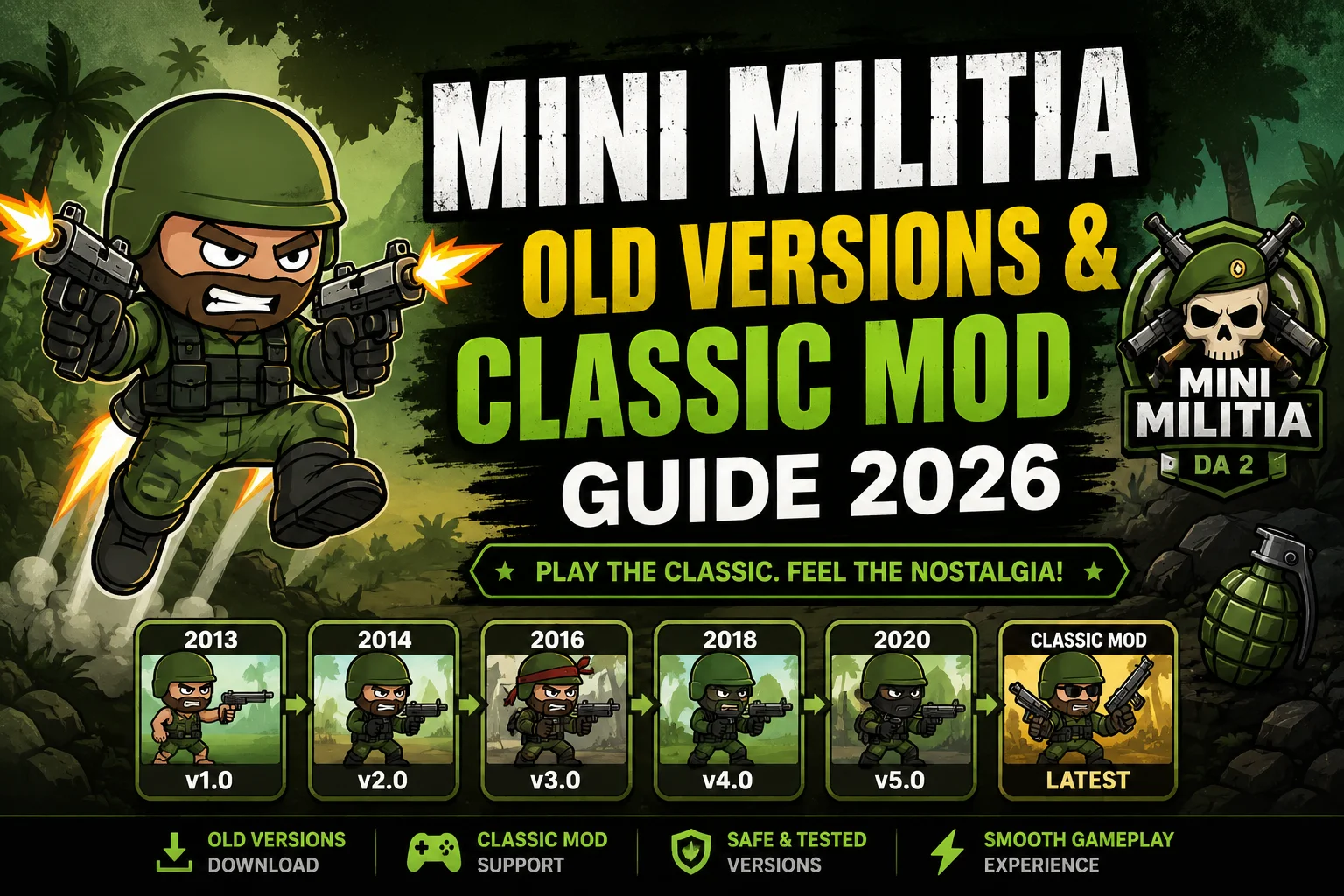
Not every Mini Militia player wants the newest build. For a lot of long-time fans, the appeal isn’t more features — it’s less. Older versions load faster, run comfortably on modest hardware, and skip the friend-list overlays and social features that came later. This guide walks through why that nostalgia is so common, what actually changed release by release, and how to make a sensible, safe choice if you decide an older version fits your device better.
Why Players Go Back to Older Versions
There are a handful of genuinely practical reasons this keeps happening, beyond simple nostalgia:
- Lower-end device compatibility — older builds have smaller file sizes and lighter system requirements, which matters on devices with limited RAM or older Android versions.
- Faster load times — fewer background services, social features, and ad calls mean the game starts and loads matches faster.
- Simpler menus — some players genuinely prefer the older, more direct interface over newer social-feature-heavy menus.
- Stable, familiar weapon balance — a handful of older builds are remembered for a specific weapon balance that some competitive players still prefer.
How the Game Evolved: A Rough Version Timeline
| Era | What Changed | Why Players Remember It |
|---|---|---|
| Early 2.x–3.x | Core game established: dual-stick controls, jetpack, basic weapon roster | The foundation most “classic feel” nostalgia is based on |
| 4.0.x series | LAN multiplayer and local Wi-Fi play grouped into a dedicated menu | Became the go-to build for offline LAN parties with friends |
| 4.2.x–4.3.x | New matchmaking rules, dedicated Team Deathmatch mode, UI polish | Widely considered one of the most stable, bug-free classic builds |
| 5.0.x series | Anti-cheat improvements and a hacker-report function added | Cleaner matches with fewer obvious cheaters |
| 5.2.0+ | Performance and connectivity fixes, weapon balance updates | Good middle ground between old-school feel and modern stability |
| 5.5.0–5.6.0 (current) | Friend lists, in-game chat, expanded social features | More connected, but heavier on system resources and storage |
Old Version vs. Classic Mod — They’re Not the Same Thing
It’s easy to mix these two up, so it’s worth being precise about the difference:
Old Version
- An actual past release of the real game, unchanged from how it originally shipped
- Same core weapon balance and mechanics as that point in time
- Usually sought out for device compatibility or nostalgia
Classic Mod (e.g. community “SHD” builds)
- A community-modified client, not an original release from the developer
- Alters values like ammo, health, or currency compared to the original
- Popular in certain regions, but entirely unofficial and unverified by the developer
How to Choose the Right Version for Your Device
Check your Android version first
Go to Settings → About Phone → Android Version. Most 5.x builds need Android 4.4 or higher, while the very latest release typically requires Android 5.0+.
Match the file size to your storage
Older builds run as small as 35–45 MB, while current releases exceed 55 MB. If storage or data is limited, an older build genuinely helps.
Decide what you actually want
If you want the fastest, lightest experience with classic mechanics, an old official version fits. If you specifically want altered gameplay values, that’s a modded build territory — understand it’s unofficial before installing.
Prefer archive sites over random forum links
Established APK archive sites that list MD5 checksums and version history are generally a safer bet than a random link shared in a comment section or chat group.
Scan before you install
Run any downloaded APK through a mobile antivirus scan before installing, especially if it came from outside a well-known archive.
Back up your current progress first
If your account isn’t linked to Google Play Games, installing an older version over your current one can wipe your rank and XP. Link your account before switching.
What You Gain — and What You Lose
Going back to an older build is a genuine trade-off, not a strict upgrade. You typically gain faster load times, a lighter install, and a simpler interface. What you usually lose is access to newer maps, updated anti-cheat protections, and any friend-list or chat features added in later updates. If your device runs the current version smoothly, there’s rarely a strong reason to downgrade — the appeal is mostly for players on older hardware or those chasing a very specific nostalgic feel.
Frequently Asked Questions
Which old version is most commonly recommended?
Versions in the 4.2.x–4.3.x range are frequently mentioned as some of the most stable classic builds, thanks to matchmaking improvements and bug fixes made at that point without adding the heavier social features of later releases.
Will an old version work on a brand-new phone?
Usually yes, since Android maintains backward compatibility, but you may need to disable Play Store auto-updates to stop it from overwriting the older build with the current version.
Can I play online with an old version against people on the newest version?
Not reliably. Online matchmaking generally requires matching or compatible versions, so older builds are best suited for offline, LAN, or local Wi-Fi play with friends on the same version.
Is downloading an old version illegal?
Downloading a genuine past release of the app generally isn’t illegal, though it does fall outside official Play Store distribution. Modified “mod” builds raise separate copyright and terms-of-service concerns since they alter the developer’s original code.
Why does my old version keep crashing?
This is often caused by a mismatch between the APK’s architecture (like armeabi-v7a) and your device’s processor, or by Android trying to auto-update the app in the background. Disabling auto-updates and confirming the architecture match usually fixes it.
Do old versions support LAN multiplayer?
Yes — LAN and local Wi-Fi play were core features in the classic builds and remain one of the biggest reasons players still seek them out for offline party sessions.
Final Thoughts
There’s nothing wrong with preferring an older build — plenty of genuinely good reasons exist, from device limitations to just liking the classic feel better. The key is going in with clear eyes: know the difference between an unmodified old release and a community mod, verify whatever file you download before installing it, and keep your account linked so you don’t lose progress along the way. Do that, and revisiting the classic version of the game can be just as fun as it was the first time around.
Want to sharpen up before jumping back in?
Check out our Weapons Guide and Maps Guide to relearn the mechanics that made these classic versions so fun.
Explore More Guides